Quiz walk in your pocket
Tipspromenaden
An outdoor quiz walk — with your phone as the question paper.
The creator draws checkpoints on a map and links a question to each one. Participants scan the QR code and walk to each checkpoint with GPS — the question unlocks automatically when they arrive. The family outing suddenly becomes a friendly competition.
Build it yourself
Map, questions, images, QR code — in minutes. Or import a ready-made question pack.
GPS unlocks the questions
No one can skip a checkpoint. Competitive feel without stress, anti-cheat without friction.
Live leaderboard
The whole family competes simultaneously and everyone sees the standings. Average steps, average score and answer distribution for the creator.
How it looks
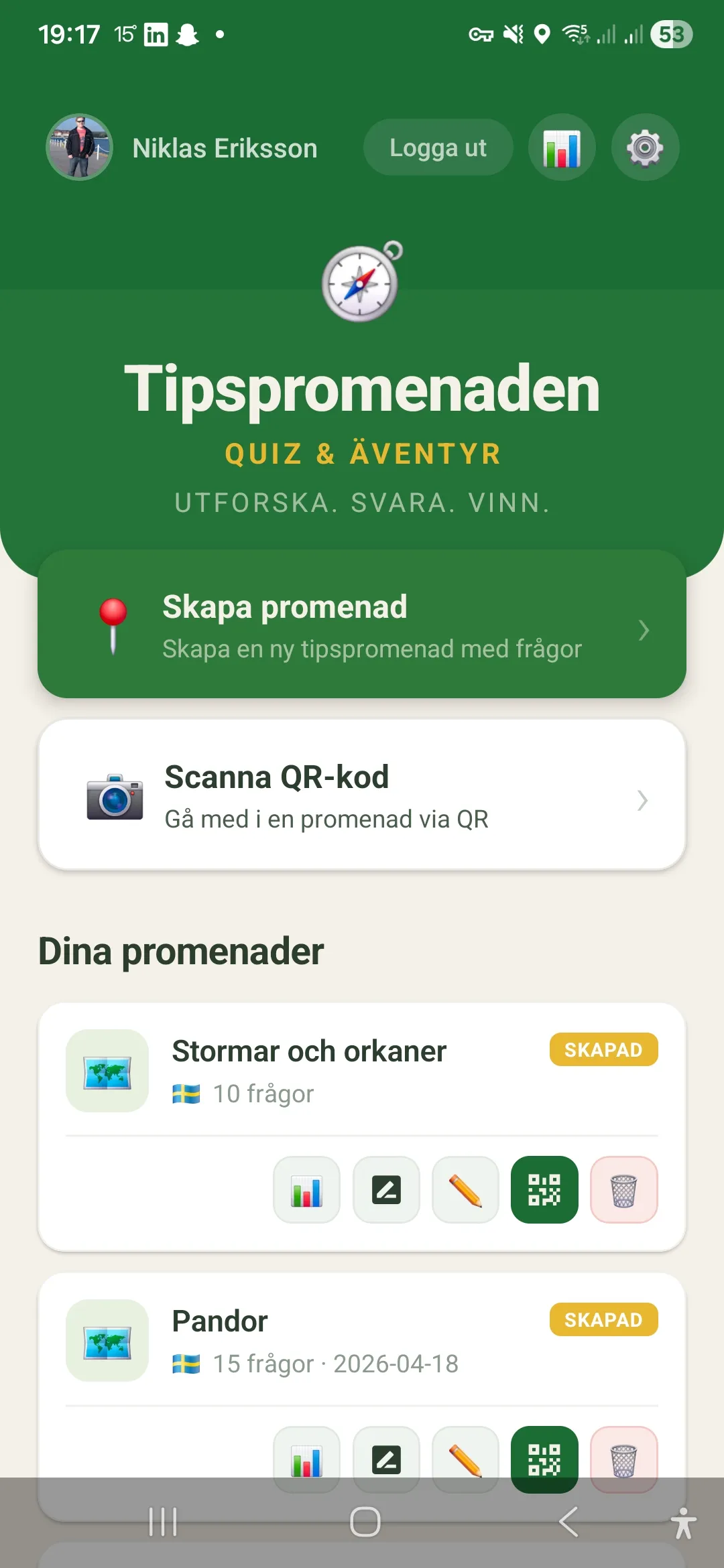
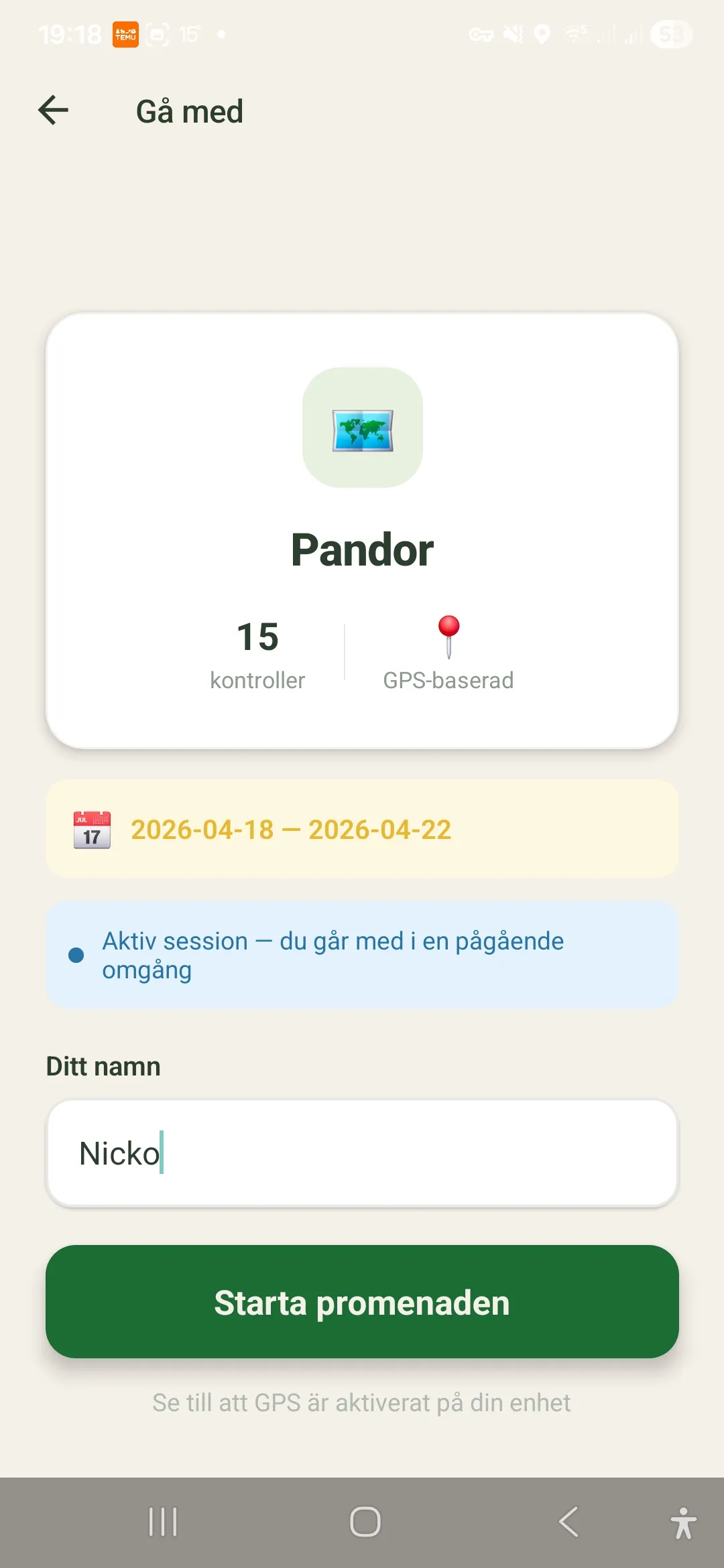
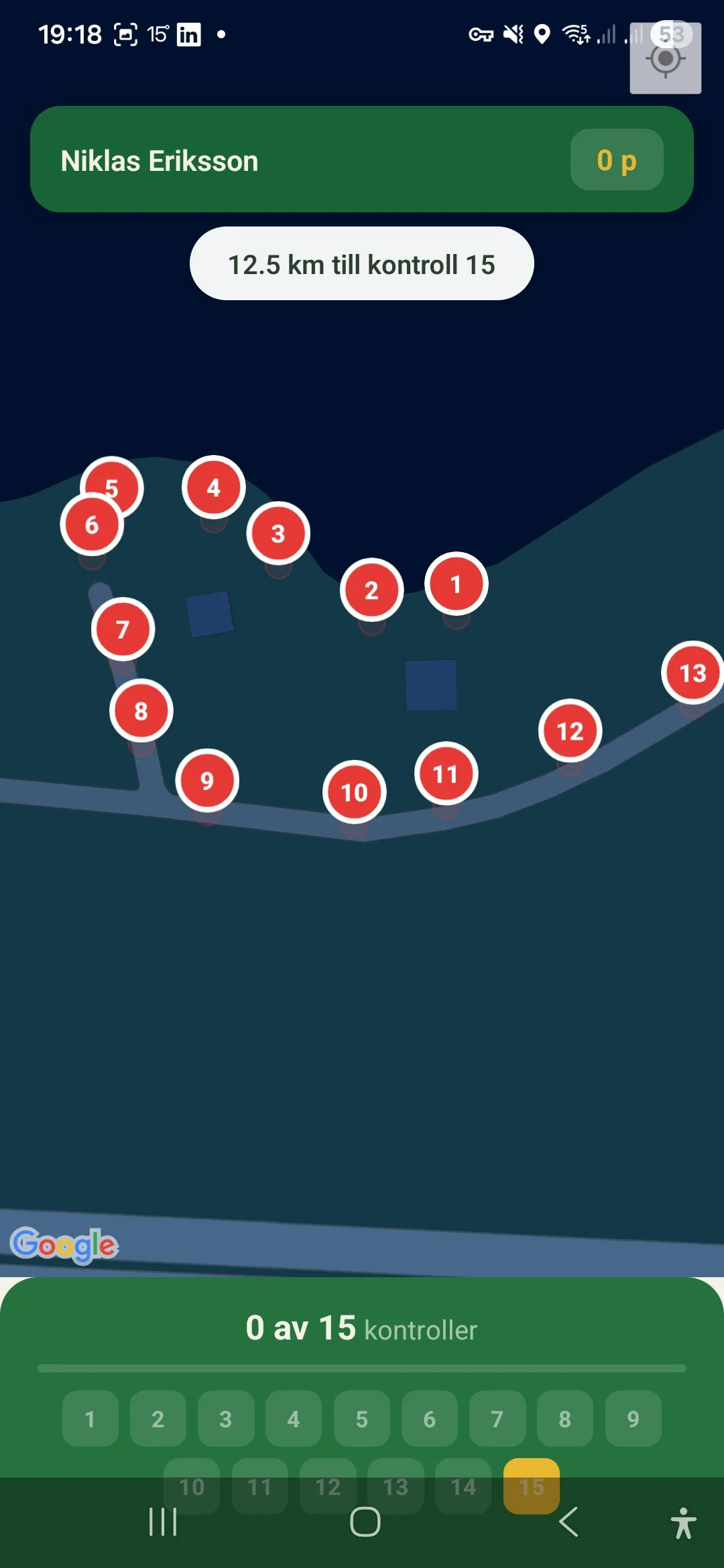
How to create your first quiz walk
Going from an empty map to a finished QR code takes a few minutes. Build it in the app on location or at your desk via tipspromenaden.app/skapa.
- 1
Create a walk and pick the location
Tap Create walk and sign in with Google. Zoom the map to the park, schoolyard or neighbourhood where the walk will take place.
- 2
Place checkpoints on the map
Tap where each checkpoint should be — the app numbers them automatically. A typical family walk has 8–13 checkpoints over 1–3 km.
- 3
Write questions and answer options
Link a question to each checkpoint, add answer options and mark the correct one. You can upload an image per question, or import a ready-made question pack from the library.
- 4
Choose activity type and event mode
Walking (15 m GPS trigger) or cycling (50 m with an early warning). Set a start and end date if everyone should compete in the same round with a shared leaderboard.
- 5
Share the QR code
Save and you get a QR code and a link. Print the code at the starting point or share the link — participants need no account or login to play.
Want the full step-by-step guide for both creators and participants? Read How it works.
Perfect for
- Schools and after-school care — educational outdoor activities where questions tie into nature or the local area.
- Family parties and birthdays — a friendly competition that gets all ages moving.
- Hen and stag parties — build a fun route with personal questions about the couple.
- Company kickoffs and team building — teams compete against each other with a live leaderboard.
- Clubs and events — publish the walk so everyone in the area can take part.
- Tourist trails — guide visitors between sights with questions about each place.
Free on App Store and Google Play
Download and get started
Tipspromenaden is available for both iPhone and Android — completely free. Create your own quiz walk or scan a QR code and start walking right away.
Want to support the project? See Support us.
Ready-made question packs
Download free question collections — Stockholm Old Town, Visby, pop culture, science and more. Import directly into the app.
Browse the library →
Create in the browser
Build a quiz walk from your laptop or iPad — keyboard for text, click on the map for checkpoints, share via QR code.
Open the creator →
Frequently asked questions
- Is internet required?
- You need internet to download the walk the first time. After that it works offline if you lose signal outdoors — GPS unlocks the questions locally.
- How many participants can join?
- Unlimited. Anyone with the link or who scans the QR code can walk at the same time and appears on the same live leaderboard.
- What does the app cost?
- Nothing. Tipspromenaden is completely free with no ads and no in-app purchases — it runs as a hobby project.
- Do I need to log in to take part?
- No. As a participant you only enter a name. Signing in with Google is required only if you want to create your own walks.
- Which devices and platforms are supported?
- The app is available for both iPhone (iOS) and Android. You can also create walks in your browser on a computer or iPad at /skapa.
- How do I share a walk with others?
- Once you save a walk you automatically get a QR code and a link. Print the QR code or share the link — participants need no account.
- Which languages does the app support?
- Swedish, English, German, Norwegian, Danish, Finnish, French and Spanish. The app can follow the system language or be set manually.